 zipseal
Seal it.
Send it.
Zipseal makes a password-protected zip of your files in one step. It makes a strong password and writes the note for the recipient. It also opens the archives that other people send to you.

Secure share, right from Finder
For contracts, invoices, photos, and client files. On a Mac, the recipient needs no special app.
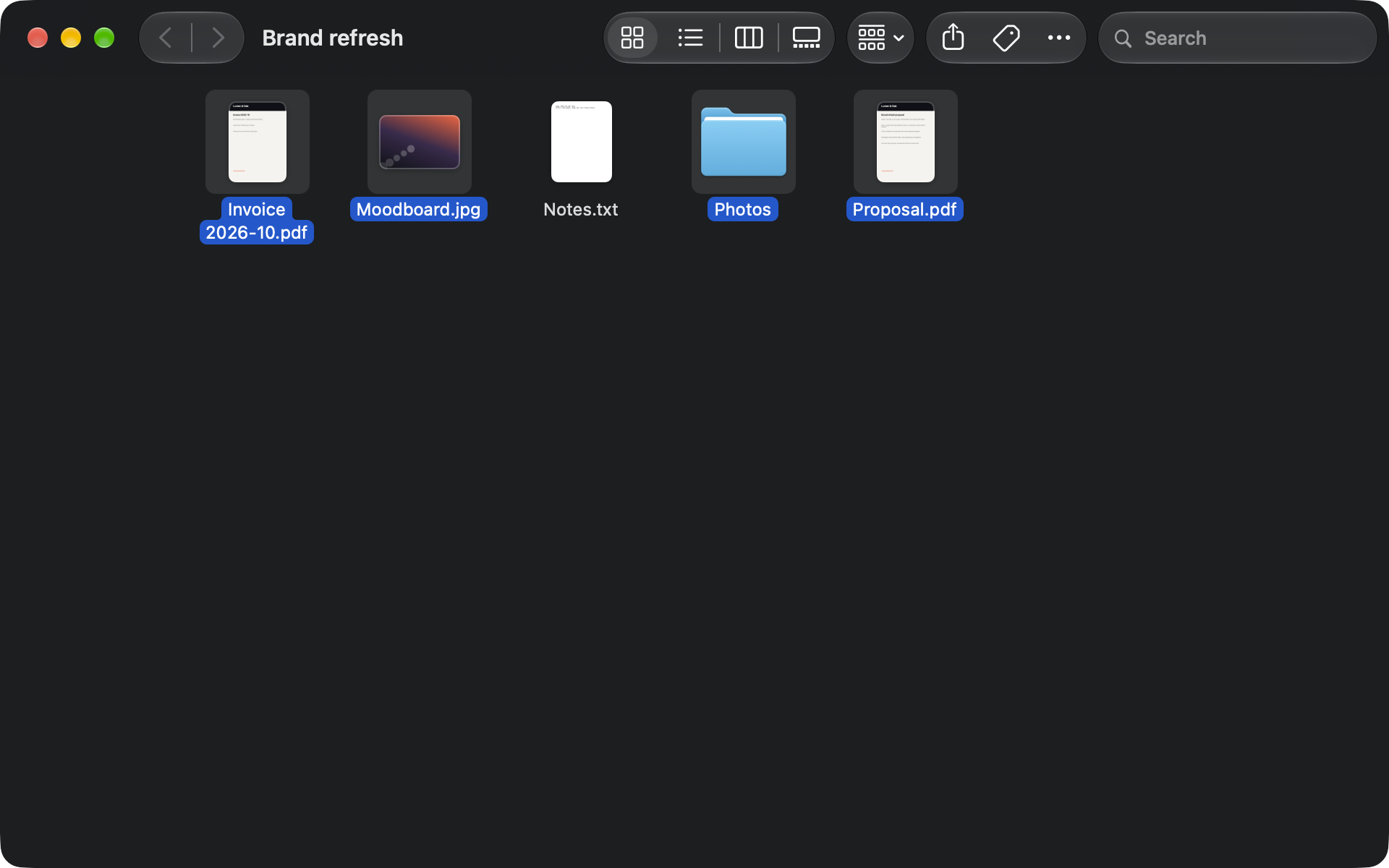
Select the files
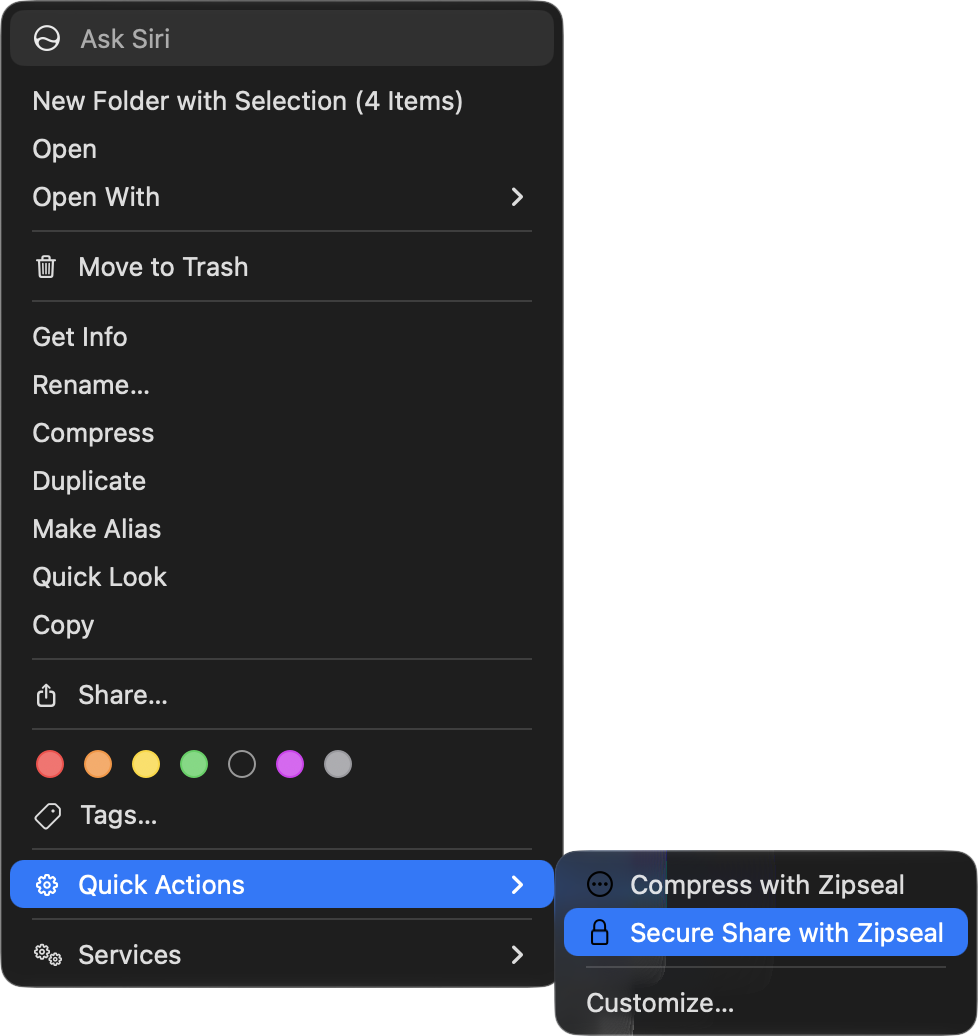
Right-click in Finder, then choose Quick Actions > Secure Share with Zipseal. Or drop the files on the window.
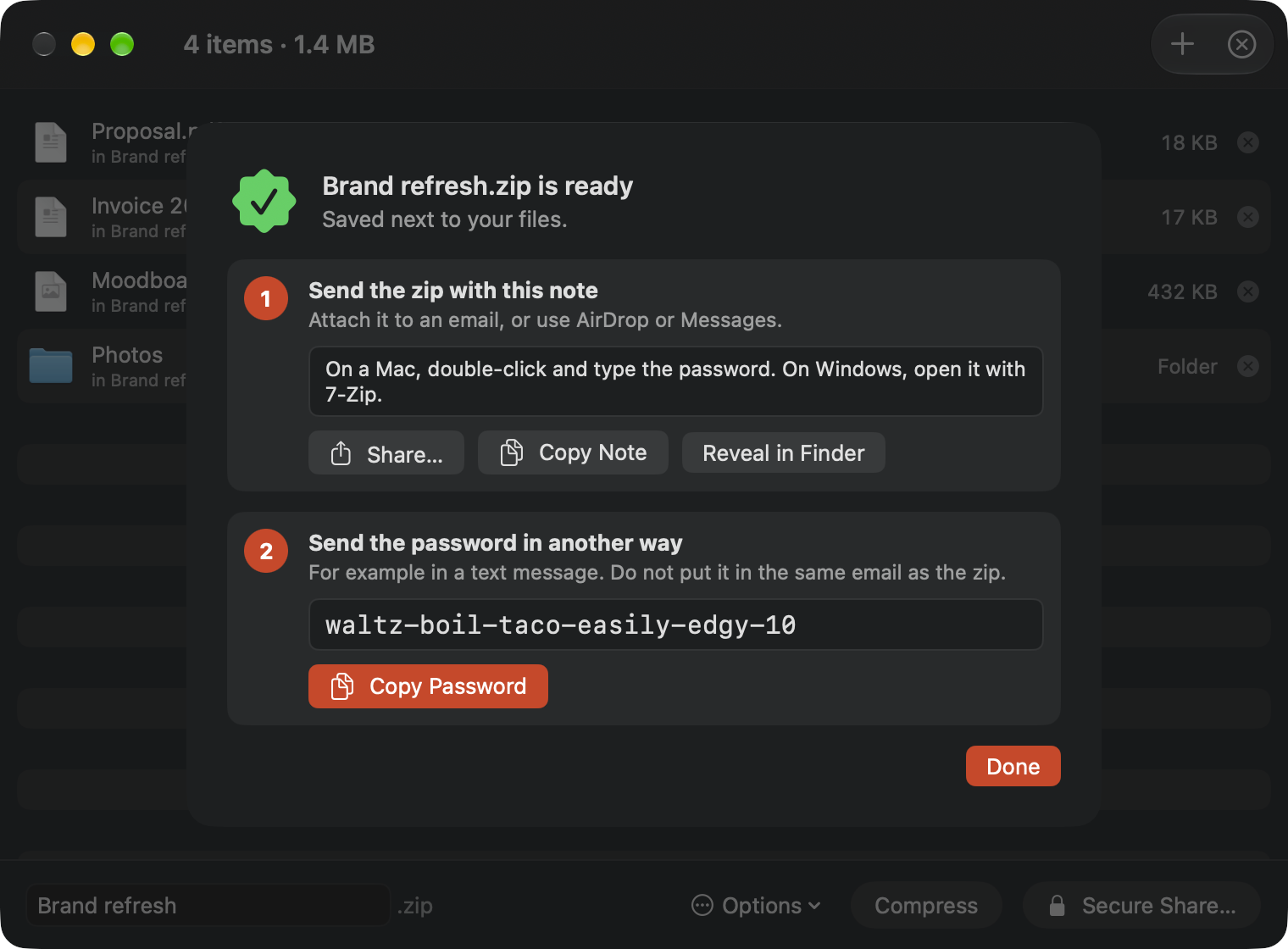
Send the zip
Zipseal makes a zip with AES-256 encryption next to your files. Attach it to an email, or use AirDrop or Messages.
Send the password another way
Copy the password and send it in a text message, or say it on a call. Never in the same email as the zip.
Look inside before you extract
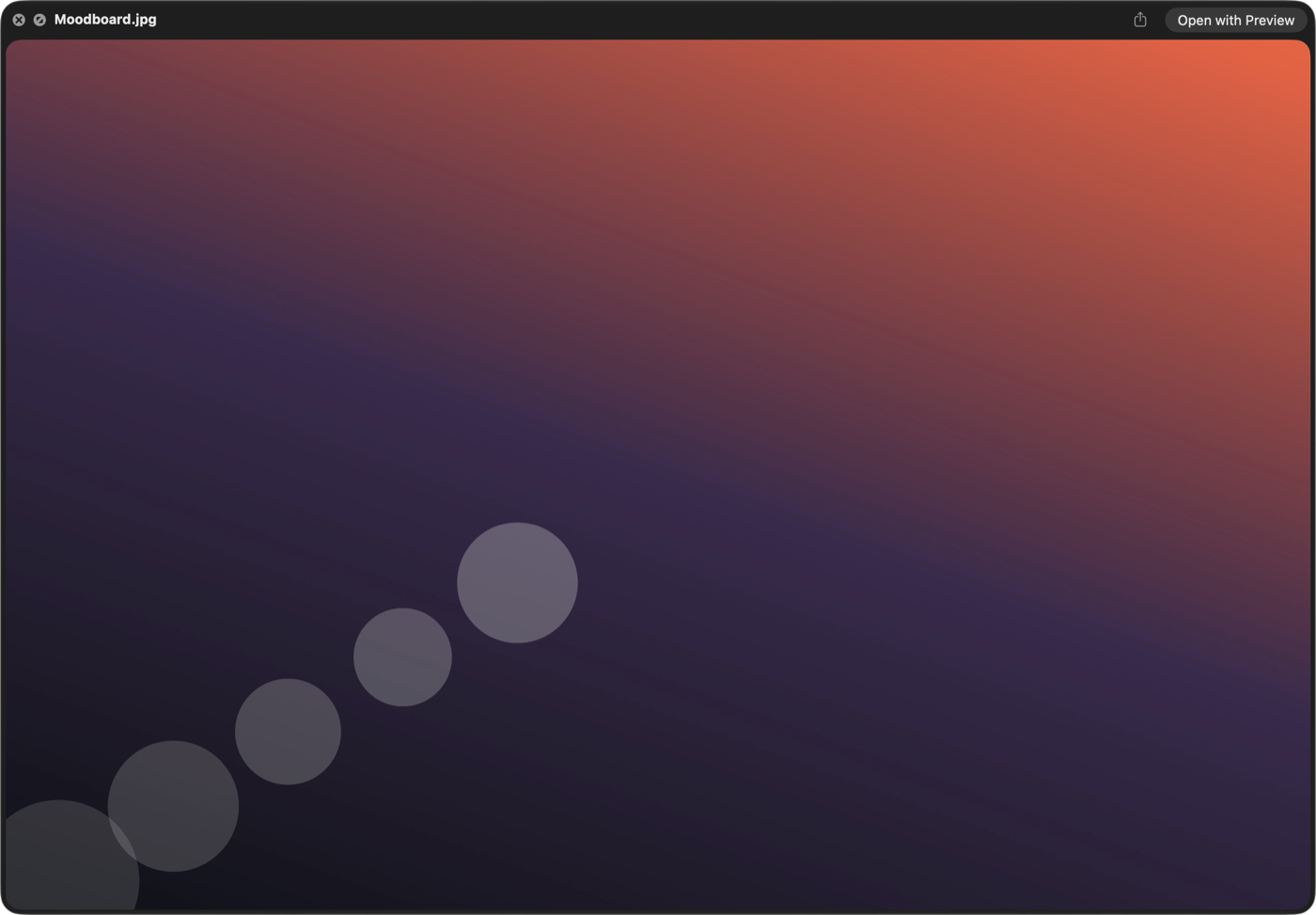
Browse an archive like a folder. Preview a file with Quick Look, drag one file out, or extract only what you select.
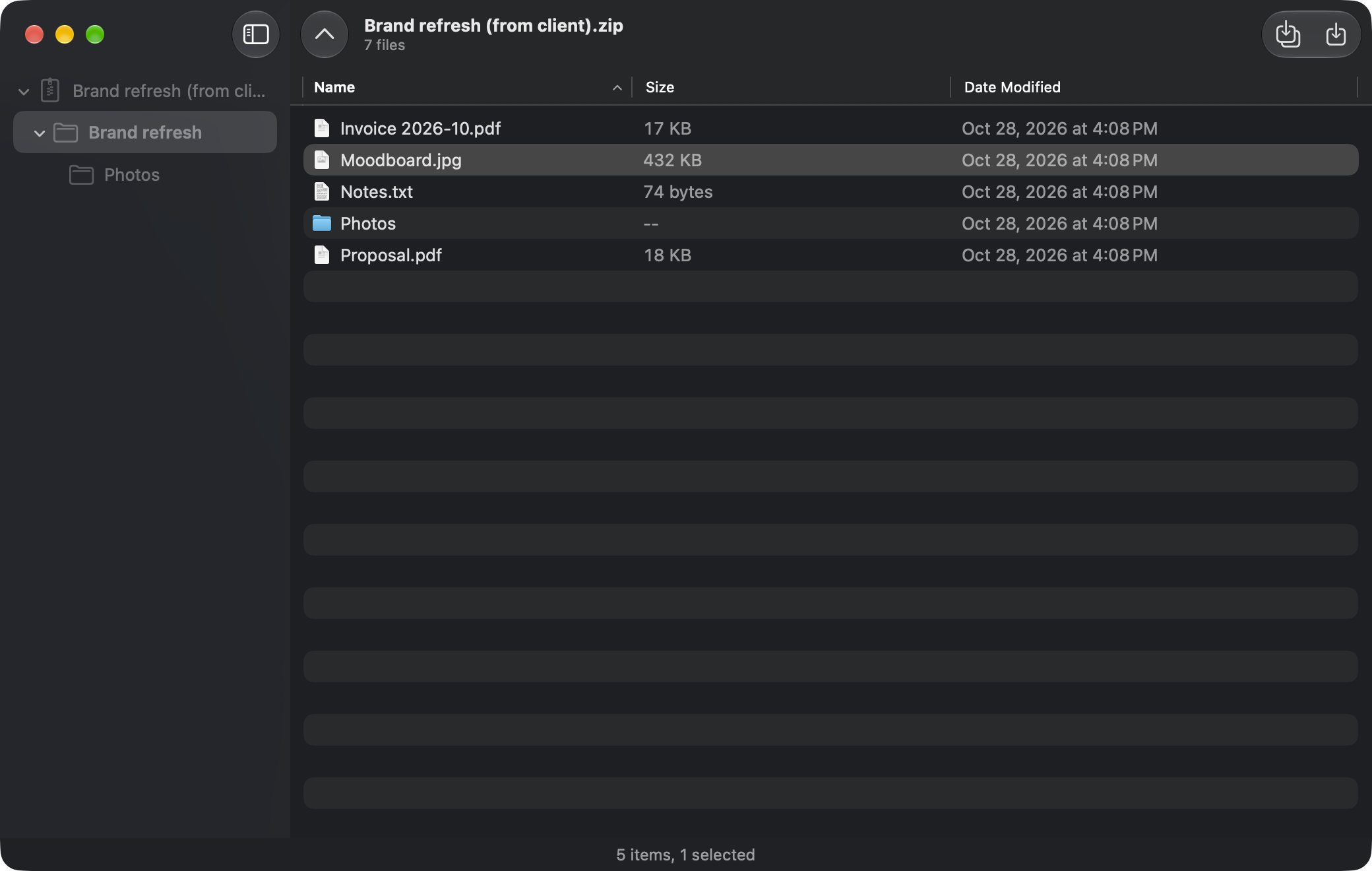
Opens zip, 7z, rar, and 15 more
Zip, 7z, and rar also with a password.
- zip
- 7z
- rar
- tar
- tar.gz
- tar.bz2
- tar.xz
- tar.zst
- gz
- bz2
- xz
- zst
- iso
- cab
- lha
- cpio
- ar
- deb
Also archives in parts: .001 and .z01.
The details are done for you
- Clean archives
- Zipseal never adds the hidden Mac files (__MACOSX, .DS_Store) that confuse people on Windows.
- Safe extract
- Zipseal stops paths that try to write outside the folder, and it warns you about archives that expand to a very large size.
- Large files
- Split a large zip into parts, for example 25 MB for email. Open archives in parts that other people send.
No account. No subscription.
- Pay once
- Buy it one time on the Mac App Store.
- Data Not Collected
- No analytics and no tracking. Zipseal never stores or logs your passwords.
- No network access
- The app cannot send your files anywhere. Your files stay on your Mac.